Fix image upload in a React rich text editor
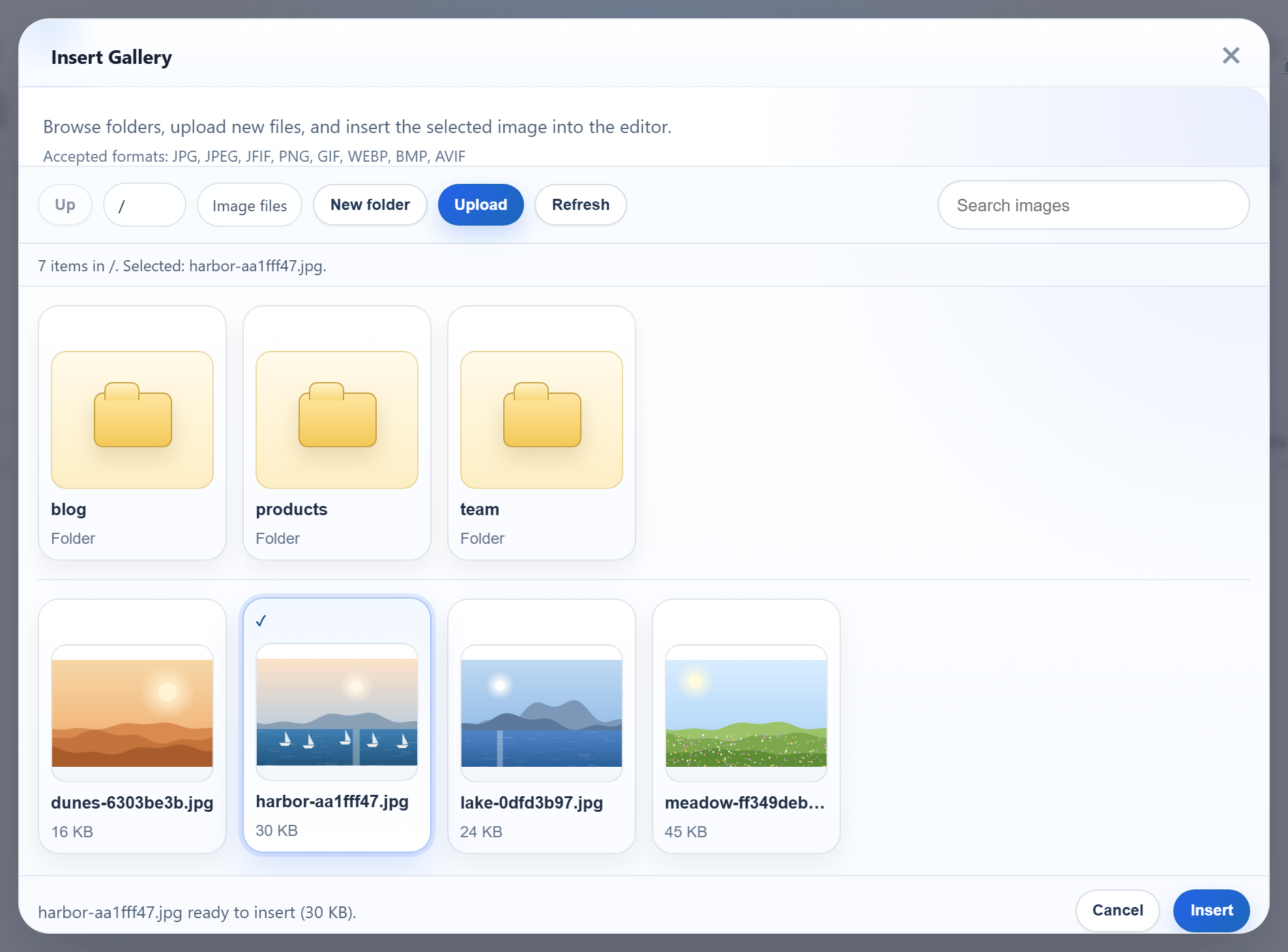
Use a small test image and a test document. This guide follows the React gallery sample and its Express server; the browser and server are separate processes.
Download the React sample and the Express sample. Extract them as sibling folders, add the editor files from the trial to the React sample, then install dependencies and start each sample as described in their README files. React sample · Express sample.
Run both servers
Start the Express sample on port 5101 and the React sample on port 5111. The React sample proxies the following paths to Express. This proxy is for development; production needs equivalent routing.
// /rte/ and /uploads/ go to the Express sample (node-express, port 5101).
// Keep the trailing slashes: "/rte" alone would also catch /rte-files.js.
proxy: {
  "/rte/": "http://localhost:5101",
  "/uploads/": "http://localhost:5101",
},
Inspect the request
In the browser Network panel, insert, paste and drop an image separately. No request? Check that the upload handler script loaded and that you are running the matching sample. A data URL means the image was embedded rather than uploaded.
The sample sends a multipart request with a file field and optionally a folder field. Its handler requires status 200 and a JSON url. This is the sample contract, not a requirement for every custom handler.
Test the server
Try the endpoint directly with a real test image. The returned name is an example; open the URL returned by your server. Never use a customer image in a public test.
curl -F "file=@photo.jpg" http://localhost:5101/rte/upload
{"url":"/uploads/photo-ce99c014.jpg"}
A 400 can mean the extension or file bytes failed validation. A 413 may come from the proxy, web server or application size limit. For 401 or 403 check login, CSRF and folder permissions. A 200 HTML login page is not a successful upload.
Follow the image after saving
Open the returned image URL in the editor and on the reader page. If it is 404, check the proxy, URL prefix, static serving and persistent storage. Save and reload the document; inspect the saved image source. A blob URL is temporary, and a data URL is embedded content. Do not disable sanitization to force an image to appear.
Ask for help
For support, share editor version, framework, action, status and a redacted response; remove tokens, cookies, private URLs and document content.