Add an image gallery to RichTextEditor in Vue
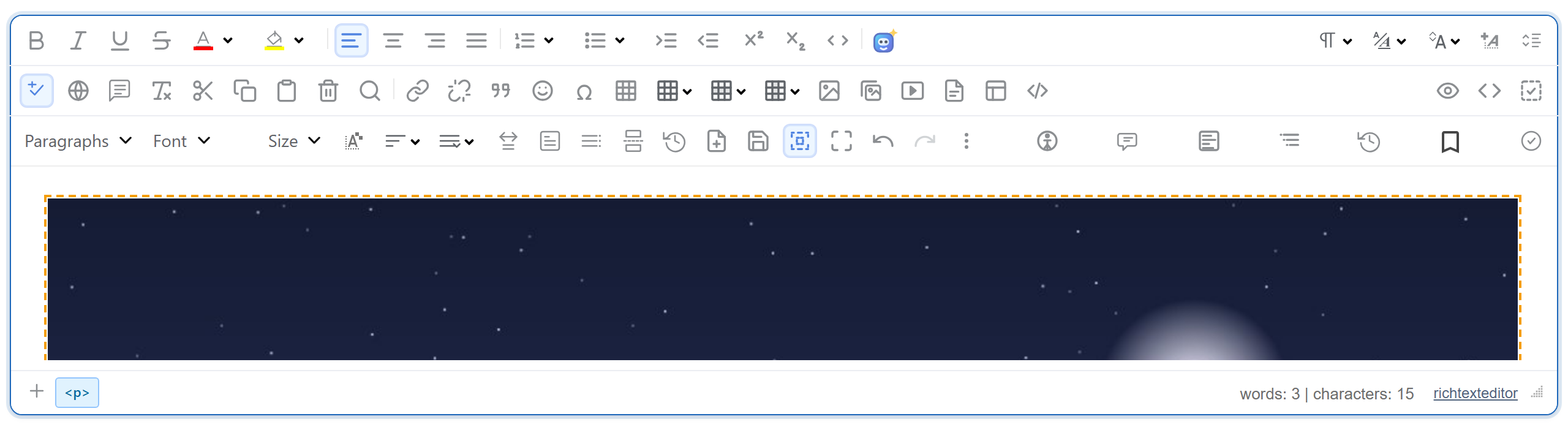
RichTextEditor's Insert Gallery dialog needs three things in a Vue app: the editor scripts loaded before the app, a component that creates the editor when it mounts and destroys it when it unmounts, and a dev server that forwards the dialog's requests to your API. This page shows a Vite + Vue 3 setup that does all three, tested against the Express sample.
Load the editor scripts before the app
The editor is a set of plain browser scripts that define window.RichTextEditor. They are not ES modules, so they go into index.html, ahead of the module script that mounts Vue:
<!-- Plain browser scripts from public/, loaded before the Vue bundle. -->
<link rel="stylesheet" href="/richtexteditor/rte_theme_default.css">
<script src="/richtexteditor/rte.js"></script>
<script src="/richtexteditor/plugins/all_plugins.js"></script>
<script src="/rte-files.js"></script>
The files live in public/richtexteditor/, which Vite serves as they are. rte-files.js provides the upload functions the editor and the gallery's Upload button call. Classic scripts in <head> run before the module bundle, so the global exists by the time the component mounts.
The component
<script setup>
import { onBeforeUnmount, onMounted, useTemplateRef } from "vue";

// window.RichTextEditor comes from the scripts in index.html.
const props = defineProps({
  options: { type: Object, required: true },
  initialHtml: { type: String, default: "" },
});
const container = useTemplateRef("container");
let editor = null; // a plain variable: the editor object does not need to be reactive

onMounted(() => {
  editor = new window.RichTextEditor(container.value, props.options);
  editor.setHTMLCode(props.initialHtml);
});
onBeforeUnmount(() => {
  editor?.destroy();
  editor = null;
});

defineExpose({ getHTML: () => editor.getHTMLCode() });
</script>

<template>
  <div ref="container"></div>
</template>onMountedruns once the template'sdivis in the document.useTemplateRef("container")(Vue 3.5) returns that element.onBeforeUnmountcallsdestroy()while the element is still there. We checked it by unmounting the whole app withapp.unmount(): no editor elements were left in the document, and there were no page errors.- The instance is a plain variable. Nothing in the template depends on it, so it does not need to be reactive, and Vue has no reason to wrap it in a proxy.
defineExposegives the parent agetHTML()method. The sample's Show HTML button calls it through a template ref and printed<p>Hello from Vue.</p>.
The parent passes the options once. The component reads them when the editor is created and does not watch them:
const options = {
  toolbar: "full",
  galleryEndpoint: "/rte/gallery", // forwarded to Express by vite.config.js
  maxUploadFileSize: 4000000,
};
Reach the API server in development
The gallery endpoint is relative, /rte/gallery, and the page is served by Vite on port 5112. Vite's dev proxy forwards the gallery and upload routes and the images to the Express sample on port 5101:
// /rte/ and /uploads/ go to the Express sample (node-express, port 5101).
// Keep the trailing slashes: "/rte" alone would also catch /rte-files.js.
proxy: {
  "/rte/": "http://localhost:5101",
  "/uploads/": "http://localhost:5101",
},
The browser sees one origin, so there is no CORS to configure. Keep the trailing slashes. Vite compares a plain key with the start of the URL, so "/rte" would also forward /rte-files.js to Express. We saw that happen with the same proxy block in the React sample. With "/rte/", Vite serves its own copy.
Use the proxy for development only. In production, serve the built dist/ and the API from the same origin.
What the dialog shows
The picture at the top is the editor in this Vue app after an image was inserted from the gallery. The folders and images come from the Express server, described in the Node.js gallery guide. Two limitations come from the released gallery, whatever the framework. Its format hint lists JFIF, BMP and AVIF, which the sample server refuses. And a refused upload shows "Upload failed for <name>." rather than the server's message.
Test it
Download the sample project for this guide and the Express sample. Start Express first (npm install, npm start, with the editor's richtexteditor folder next to server.mjs). Then, in the Vue project:
npm install
npm run dev
  ➜  Local:   http://localhost:5112/
npm run dev first copies the editor files into public/. Set RTE_DIR to your editor folder, or put the folder in public/richtexteditor yourself. Open http://localhost:5112 and click Insert Gallery. The dialog lists the server's folders. New folder and Upload work through the proxy, and Insert adds <img src="/uploads/..."> to the text. We ran exactly that sequence in Chromium with Vue 3.5.44 and Vite 8.3.5.