在 Vue 中为 RichTextEditor 添加图片库
在 Vue 应用中,RichTextEditor 的 Insert Gallery 对话框需要三样东西:在应用之前加载的编辑器脚本、一个在挂载时创建编辑器并在卸载时销毁它的组件,以及一个把对话框的请求转发到您的 API 的开发服务器。本页介绍一个同时满足这三点的 Vite + Vue 3 配置,并对接 Express 示例进行了测试。
在应用之前加载编辑器脚本
编辑器由一组普通的浏览器脚本组成,它们定义了 window.RichTextEditor。这些脚本不是 ES 模块,因此要放在 index.html 中,位于挂载 Vue 的模块脚本之前:
<!-- Plain browser scripts from public/, loaded before the Vue bundle. -->
<link rel="stylesheet" href="/richtexteditor/rte_theme_default.css">
<script src="/richtexteditor/rte.js"></script>
<script src="/richtexteditor/plugins/all_plugins.js"></script>
<script src="/rte-files.js"></script>
这些文件位于 public/richtexteditor/ 中,Vite 会原样提供它们。rte-files.js 提供编辑器和图片库的 Upload 按钮所调用的上传函数。<head> 中的传统脚本会在模块打包文件之前运行,因此组件挂载时这个全局对象已经存在。
组件
<script setup>
import { onBeforeUnmount, onMounted, useTemplateRef } from "vue";

// window.RichTextEditor comes from the scripts in index.html.
const props = defineProps({
  options: { type: Object, required: true },
  initialHtml: { type: String, default: "" },
});
const container = useTemplateRef("container");
let editor = null; // a plain variable: the editor object does not need to be reactive

onMounted(() => {
  editor = new window.RichTextEditor(container.value, props.options);
  editor.setHTMLCode(props.initialHtml);
});
onBeforeUnmount(() => {
  editor?.destroy();
  editor = null;
});

defineExpose({ getHTML: () => editor.getHTMLCode() });
</script>

<template>
  <div ref="container"></div>
</template>onMounted在模板中的div进入文档后运行。useTemplateRef("container")(Vue 3.5)返回该元素。onBeforeUnmount在元素仍然存在时调用destroy()。我们用app.unmount()卸载整个应用进行了验证:文档中没有残留任何编辑器元素,页面也没有报错。- 实例是一个普通变量。模板中没有任何内容依赖它,因此它不需要是响应式的,Vue 也没有理由用代理包装它。
defineExpose为父组件提供getHTML()方法。示例中的 Show HTML 按钮通过模板引用调用它,输出了<p>Hello from Vue.</p>。
父组件只传入一次选项。组件在创建编辑器时读取它们,不会监听其变化:
const options = {
  toolbar: "full",
  galleryEndpoint: "/rte/gallery", // forwarded to Express by vite.config.js
  maxUploadFileSize: 4000000,
};
在开发期间访问 API 服务器
图片库端点是相对路径 /rte/gallery,而页面由 Vite 在端口 5112 上提供。Vite 的开发代理把图片库和上传路由以及图片请求转发到端口 5101 上的 Express 示例:
// /rte/ and /uploads/ go to the Express sample (node-express, port 5101).
// Keep the trailing slashes: "/rte" alone would also catch /rte-files.js.
proxy: {
  "/rte/": "http://localhost:5101",
  "/uploads/": "http://localhost:5101",
},
浏览器只看到一个源,因此无需配置 CORS。请保留末尾的斜杠。Vite 把普通的键与 URL 的开头进行比较,因此 "/rte" 也会把 /rte-files.js 转发给 Express。我们在 React 示例中使用相同的代理配置块时就遇到了这种情况。使用 "/rte/" 时,Vite 提供的是自己的副本。
代理只用于开发环境。在生产环境中,请从同一个源提供构建后的 dist/ 和 API。
对话框显示什么
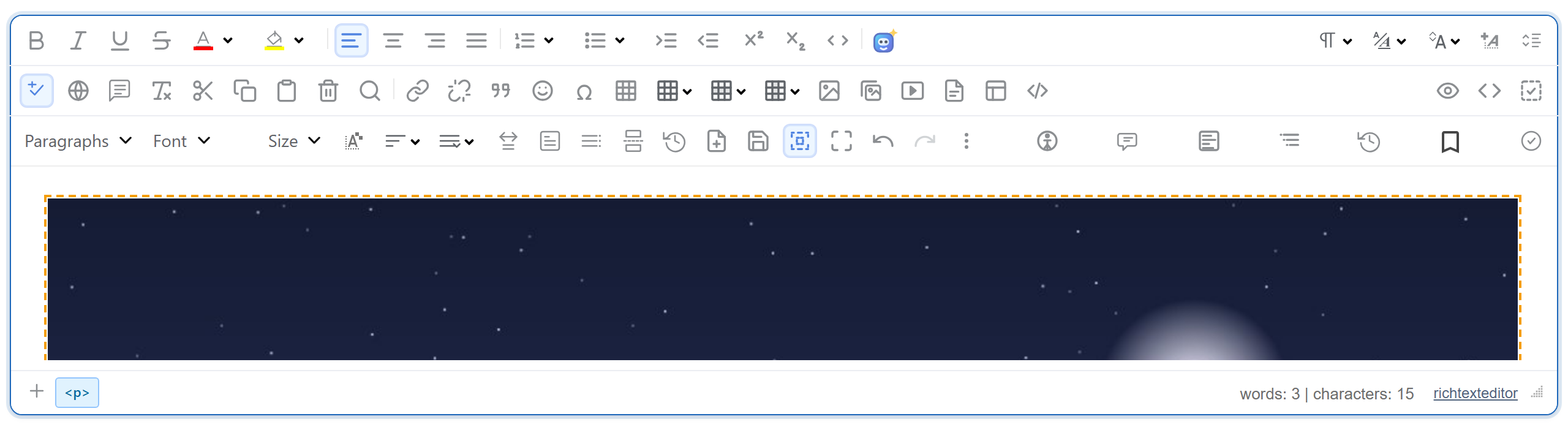
顶部的图片是这个 Vue 应用中从图片库插入一张图片之后的编辑器。文件夹和图片来自 Express 服务器,详见 Node.js 图片库指南。有两个限制来自已发布版本的图片库,与框架无关。它的格式提示中列出了 JFIF、BMP 和 AVIF,而示例服务器会拒绝这些格式。被拒绝的上传会显示 "Upload failed for <name>.",而不是服务器返回的消息。
测试
下载本指南的示例项目和 Express 示例。先启动 Express(把编辑器的 richtexteditor 文件夹放在 server.mjs 旁边,然后运行 npm install 和 npm start)。然后在 Vue 项目中执行:
npm install
npm run dev
  ➜  Local:   http://localhost:5112/
npm run dev 会先把编辑器文件复制到 public/ 中。请把 RTE_DIR 设置为您的编辑器文件夹,或者自己把该文件夹放到 public/richtexteditor。打开 http://localhost:5112 并点击 Insert Gallery。对话框会列出服务器上的文件夹。New folder 和 Upload 通过代理正常工作,Insert 会把 <img src="/uploads/..."> 添加到文本中。我们在 Chromium 中用 Vue 3.5.44 和 Vite 8.3.5 完整运行了这一流程。