在 Node.js 中从富文本编辑器上传图片
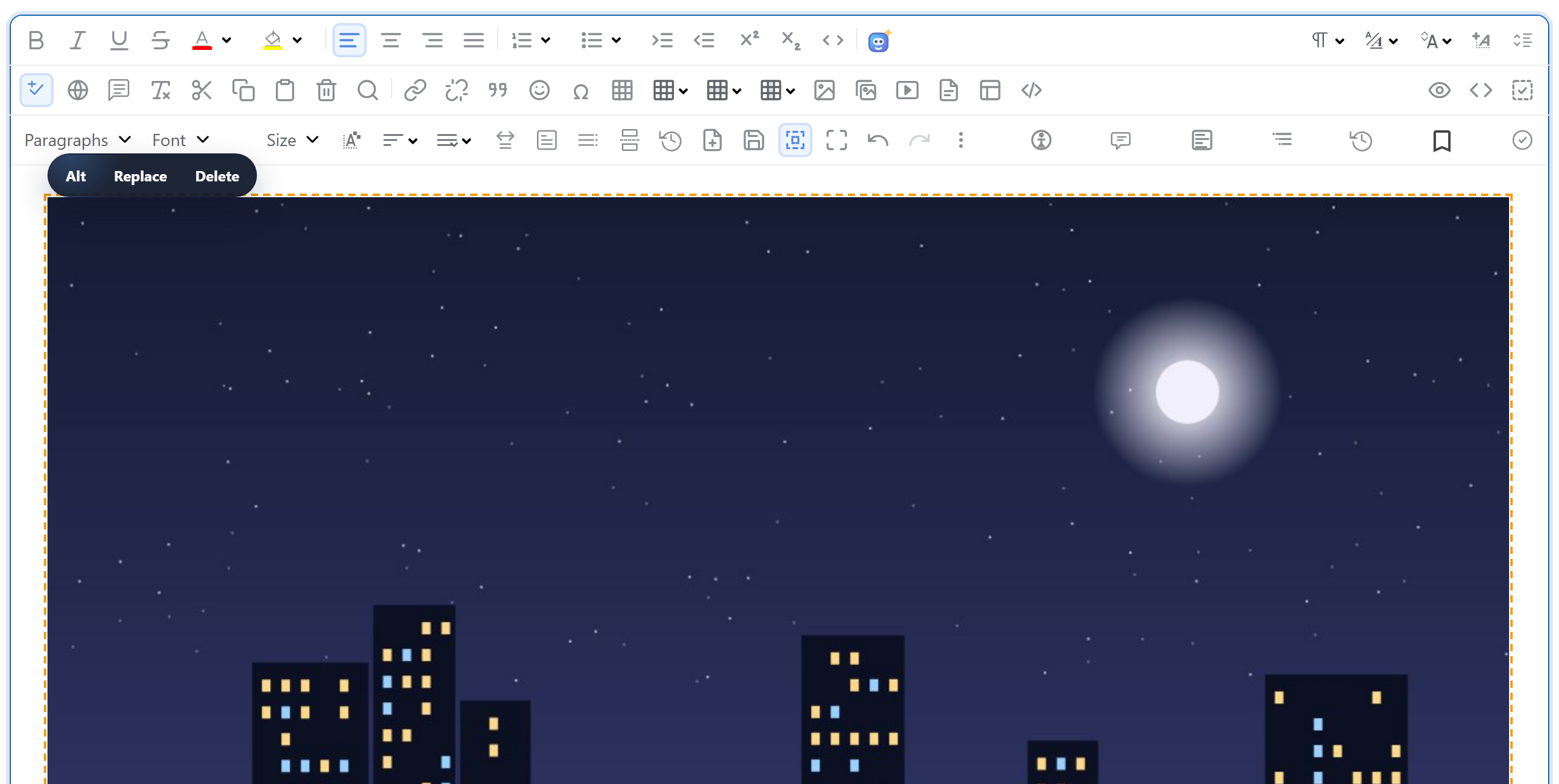
用户在 RichTextEditor 中拖放、粘贴或选择图片时,编辑器会把文件交给一个上传函数,然后等待返回 URL。本页为 Node.js 提供完整的两部分实现:负责发送图片的浏览器端文件,以及一个 Express 5 路由,它用 multer 检查文件、以新名称保存,并返回编辑器要插入的 URL。
浏览器端
编辑器本身不会上传任何东西。对于拖放、粘贴和 Insert Image 对话框,它调用 window.rte_file_upload_handler;对于从图片库对话框发起的上传,它调用 window.richTextBoxUploadFile,并同时传入当前打开的文件夹。rte-files.js 定义了这两个函数。它以 multipart/form-data 格式把文件 POST 到 /rte/upload,然后通过回调返回 URL,或返回服务器的错误文本。请在编辑器脚本之后加载它:
<link rel="stylesheet" href="/richtexteditor/rte_theme_default.css">
<script src="/richtexteditor/rte.js"></script>
<script src="/richtexteditor/plugins/all_plugins.js"></script>
<script src="/rte-files.js"></script><div id="editor"><p>Hello from Express.</p></div>
<script>
var editor = new RichTextEditor("#editor", {
toolbar: "full",
galleryEndpoint: "/rte/gallery",
maxUploadFileSize: 4000000
});
</script>maxUploadFileSize 让图片库对话框在发送之前就拒绝过大的文件。服务器仍然必须自己检查大小。
路由
multer 是大多数 Express 应用已经在用的 multipart 解析器。示例使用它的内存存储,因此文件以 req.file.buffer 的形式到达,可以在写入磁盘之前检查开头的字节。内存存储只有在设置了限制时才安全:multer 自身对 fileSize、files 和 parts 的默认值都是 Infinity。
// multer is the multipart parser most Express apps already use. Memory storage keeps the
// file in req.file.buffer, so its bytes can be checked before anything touches the disk;
// the limits keep that buffer small. multer allows exactly fileSize bytes and fails with
// LIMIT_FILE_SIZE above that (turned into a 413 in the error handler below).
const parseForm = multer({
  storage: multer.memoryStorage(),
  limits: { fileSize: MAX_BYTES, files: 1, fields: 10, fieldSize: 1024, parts: 12 },
  defParamCharset: "utf8", // file names are sent as UTF-8; multer's default is latin1
});
这里有一个容易忽略的选项。multer 的 defParamCharset 默认为 'latin1',但浏览器以 UTF-8 发送文件名。在我们的测试中,使用默认值时,名为 café.png 的文件到达服务器时变成了 café.png。设为 "utf8" 后文件名完好无损,示例会把它保存为 cafe-1a2b3c4d.png。
路由本身很简短。先由一个小型中间件选择存储根目录,然后 multer 解析表单,处理程序再把字节传下去:
// Every /rte request gets its storage root first, before multer reads the body.
app.use("/rte", (req, res, next) => {
  req.storageRoot = rootFor(req);
  next();
});

// GET /rte/gallery?folder=products  -> listing
app.get("/rte/gallery", async (req, res) => {
  res.json(await listFolder(req.storageRoot, req.query.folder ?? ""));
});

// POST /rte/gallery  action=create-folder, folder, name  -> listing of the parent folder
app.post("/rte/gallery", parseForm.none(), async (req, res) => {
  const { action, folder, name } = req.body ?? {};
  if (action !== "create-folder") throw new GalleryError(400, "Unknown action.");
  res.json(await createFolder(req.storageRoot, folder ?? "", name));
});

// POST /rte/upload  file, folder  -> { url }
app.post("/rte/upload", parseForm.single("file"), async (req, res) => {
  if (!req.file) throw new GalleryError(400, "No file was uploaded.");
  const url = await saveImage(req.storageRoot, req.body.folder ?? "", req.file.originalname, req.file.buffer);
  res.json({ url });
});
保存文件
gallery.mjs 中的 saveImage() 不依赖 Express。它检查扩展名和文件开头的字节,确认文件夹存在于存储根目录内,然后以生成的名称写入文件:
// Checks the name and the bytes, stores the file under a new random name, returns its URL.
export async function saveImage(root, folder, originalName, bytes) {
  const ext = extensionOf(originalName);
  const matches = Object.hasOwn(SIGNATURES, ext) && SIGNATURES[ext];
  if (!matches) {
    throw new GalleryError(400, "Only .jpg, .jpeg, .png, .gif and .webp images can be uploaded.");
  }
  if (bytes.length > MAX_BYTES) {
    throw new GalleryError(413, "The image is larger than 4,000,000 bytes.");
  }
  if (!matches(bytes)) {
    throw new GalleryError(400, "The file content is not a valid " + ext.slice(1).toUpperCase() + " image.");
  }

  if (isUsersFolder(root, folder)) throw new GalleryError(404, "Folder not found.");
  const dir = await resolveFolder(root, folder);
  const storedName = baseNameOf(originalName) + "-" + randomBytes(4).toString("hex") + ext;
  const file = path.join(dir, storedName);
  await writeFile(file, bytes, { flag: "wx" }); // "wx" fails instead of overwriting
  return publicUrl(file);
}
保存的文件名是清理后的原始文件名加上八个随机十六进制字符,因此两次上传 photo.jpg 永远不会互相覆盖。即便文件名已存在,"wx" 标志也会让 writeFile 失败。扩展名会转为小写:photo.JPG 保存为 photo-….jpg。
响应为 {"url":"/uploads/blog/photo-ce99c014.jpg"}。编辑器把这个 URL 作为图片的 src 插入,express.static 从 uploads/ 提供该文件。它会提供哪些文件、为什么只提供图片,见Node.js 中的安全图片上传。
出错时
路由处理程序中没有 try/catch。在 Express 5 中,async 处理程序返回的被拒绝的 Promise 会交给错误处理中间件,由它把示例自己的错误和 multer 的错误转换为 JSON:
// Express 5 sends errors thrown in async handlers here, so the routes need no try/catch.
app.use((err, req, res, next) => {
  if (err instanceof GalleryError) {
    return res.status(err.status).json({ error: err.message });
  }
  if (err instanceof multer.MulterError) {
    const tooBig = err.code === "LIMIT_FILE_SIZE";
    return res
      .status(tooBig ? 413 : 400)
      .json({ error: tooBig ? "The image is larger than 4,000,000 bytes." : "Invalid upload: " + err.message });
  }
  console.error(err);
  res.status(500).json({ error: "Server error." });
});
这是 Express 5 的行为。我们在 Express 4.22 上运行了同样的 async 处理程序:错误变成了未处理的 Promise 拒绝,在 Node 24 上整个进程直接退出。在 Express 4 上,每个异步路由都需要一个包装函数或 try/catch。
rte-files.js 把 JSON 中的 error 文本作为第二个回调参数传回编辑器。图片库对话框不会显示它:无论服务器返回什么,对话框都显示自己的消息 "Upload failed for holiday.jpg."。
测试
下载本指南的示例项目,把编辑器下载包中的 richtexteditor 文件夹放到 server.mjs 旁边,然后运行 npm install 和 npm start。服务器监听 127.0.0.1:5101,因此只有本机能够访问。然后在一个放有照片的文件夹中执行:
curl -F "file=@photo.jpg" -F "folder=blog" http://localhost:5101/rte/upload
{"url":"/uploads/blog/photo-ce99c014.jpg"}

printf '<?php echo 1; ?>' > fake.jpg
curl -F "file=@fake.jpg" http://localhost:5101/rte/upload
{"error":"The file content is not a valid JPG image."}
第二个响应是 HTTP 400。打开 http://localhost:5101,把一张图片拖放到编辑器中,它就会出现在 uploads/ 和文本中。要一次检查所有规则,请运行 node shared/contract-test.mjs http://localhost:5101,最后会输出 ALL 35 CHECKS PASSED。
其他平台的同一指南
Next.js · PHP · ASP.NET Core · Razor Pages · Blazor · MVC 5 · Web Forms