在 Next.js 中从富文本编辑器上传图片
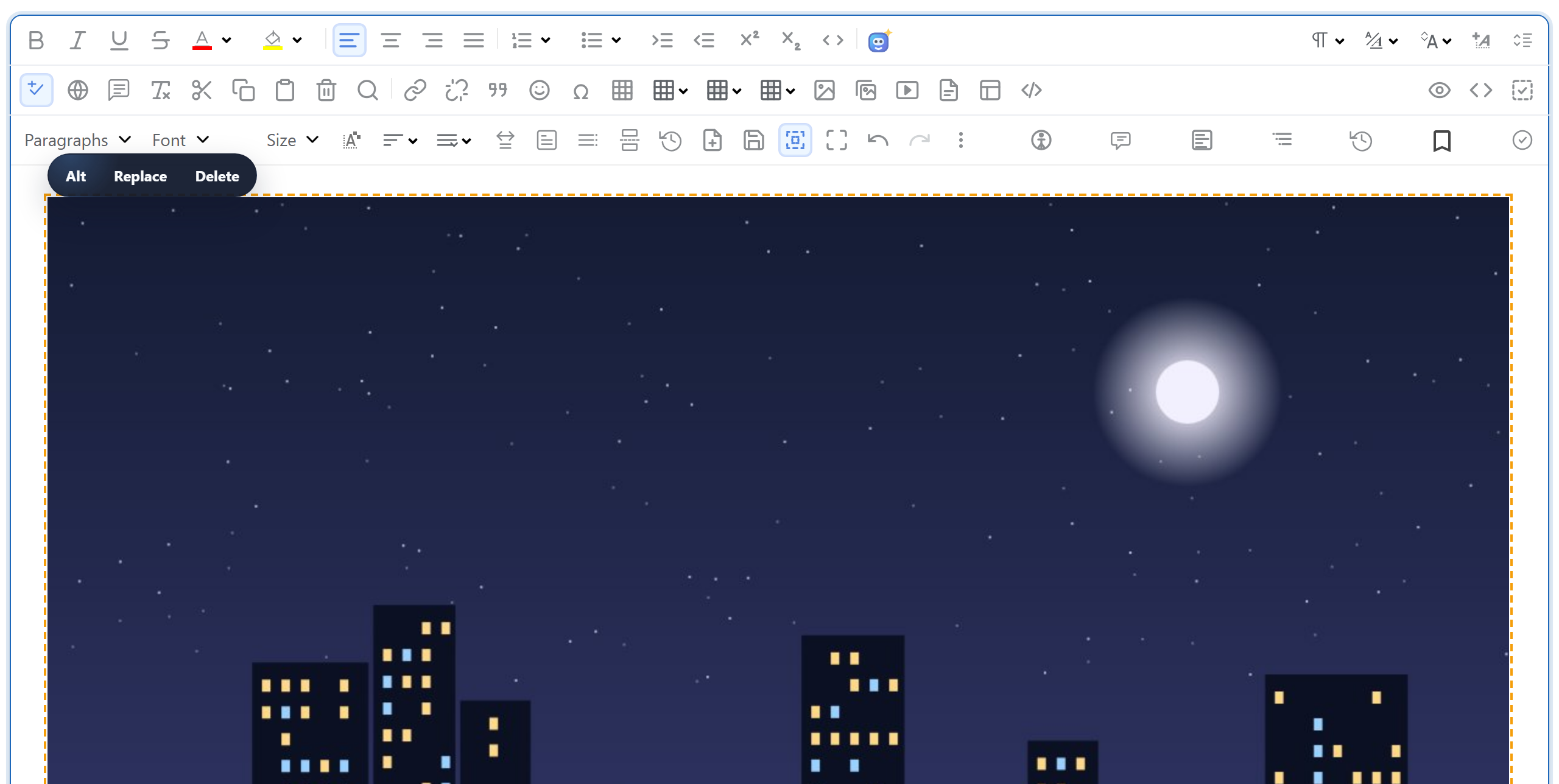
在 Next.js App Router 项目中,RichTextEditor 的图片上传需要两个路由处理程序:一个接收文件,一个把文件提供出去。不能像静态站点那样简单地把上传文件写入 public/。本页给出这两个处理程序,说明在 Node.js 运行时中有哪些不同,并解释为什么文件要保存到 uploads/。
浏览器端
编辑器把拖放、粘贴或选择的图片交给 window.rte_file_upload_handler。从图片库对话框上传的图片交给 window.richTextBoxUploadFile,它还会收到当前打开的文件夹。共享的 rte-files.js 定义了这两个函数。它把文件 POST 到 /rte/upload,并把返回的 URL 交给编辑器。页面与编辑器脚本一起加载它(客户端组件见图片库指南),并在服务器组件中设置编辑器选项:
// The editor and rte-files.js are plain browser scripts, served from public/
// (copied there by scripts/copy-editor.mjs).
const scripts = [
  "/richtexteditor/rte.js",
  "/richtexteditor/plugins/all_plugins.js",
  "/rte-files.js",
];

const config = {
  toolbar: "full",
  galleryEndpoint: "/rte/gallery",
  maxUploadFileSize: 4000000,
};
上传路由处理程序
// POST /rte/upload  file, folder  -> { url }
import { GalleryError, checkOrigin, errorResponse, readForm, saveImage } from "@/lib/gallery";
import { rootFor } from "@/lib/root-for";

export const runtime = "nodejs"; // the default, written out: this route uses node:fs

export async function POST(request: Request) {
  try {
    checkOrigin(request);
    const form = await readForm(request);
    const file = form.get("file");
    if (!(file instanceof File)) throw new GalleryError(400, "No file was uploaded.");
    const bytes = Buffer.from(await file.arrayBuffer());
    const url = await saveImage(await rootFor(request), form.get("folder") ?? "", file.name, bytes);
    return Response.json({ url });
  } catch (error) {
    return errorResponse(error);
  }
}
其中有几点是 Next.js 特有的:
- Node.js 运行时。处理程序使用
node:fs写入文件,因此不能在 Edge 运行时中运行。nodejs本来就是默认值,但文件仍然显式设置了它,这样这项要求就写在了代码旁边。Next.js 文档中有一个例外:启用 Cache Components 时,要删除runtime导出,包括nodejs。 formData()返回一个 WebFile。不需要 multer,也没有临时文件。file.name是浏览器发送的文件名,file.arrayBuffer()在内存中保存字节内容。文件名只用于提取扩展名和清理后的基本名称,绝不会成为路径。- 使用
readForm()而不是request.formData()。在我们的测试中,路由处理程序中直接调用request.formData()接受了一个 50 MB 的文件。readForm()会在示例设定的限制处停止。详见Next.js 中的图片上传大小限制。 checkOrigin()会拒绝来自其他站点的 POST,因为路由处理程序没有 Server Actions 所具备的 Origin 检查。见 Next.js 中的安全图片上传。
检查和写入逻辑位于 lib/gallery.ts 中,它与 Next.js 完全无关:
// Checks the name and the bytes, stores the file under a new random name, returns its URL.
export async function saveImage(root: string, folder: unknown, originalName: string, bytes: Buffer) {
  const ext = extensionOf(originalName);
  const matches = Object.hasOwn(SIGNATURES, ext) && SIGNATURES[ext];
  if (!matches) {
    throw new GalleryError(400, "Only .jpg, .jpeg, .png, .gif and .webp images can be uploaded.");
  }
  if (bytes.length > MAX_BYTES) {
    throw new GalleryError(413, TOO_BIG);
  }
  if (!matches(bytes)) {
    throw new GalleryError(400, "The file content is not a valid " + ext.slice(1).toUpperCase() + " image.");
  }

  if (isUsersFolder(root, folder)) throw new GalleryError(404, "Folder not found.");
  const dir = await resolveFolder(root, folder);
  const storedName = baseNameOf(originalName) + "-" + randomBytes(4).toString("hex") + ext;
  const file = path.join(dir, storedName);
  await writeFile(file, bytes, { flag: "wx" }); // "wx" fails instead of overwriting
  return publicUrl(file);
}保存的文件名是清理后的基本名称加上八个随机十六进制字符。"wx" 标志让 writeFile 失败而不是覆盖。响应为 {"url":"/uploads/blog/photo-2cb4607d.jpg"},编辑器会插入这个 URL。
为什么不用 public/
Next.js 把 public/ 作为静态文件提供,因此把上传文件写到那里看起来顺理成章。但在 next build 之后,这样做行不通。我们在 next start 运行期间向 public/ 写入一个文件并请求它:404。构建时就已存在的文件:200。因此示例把文件写入项目旁边的 uploads/,并用一个全捕获路由处理程序提供它们:
// GET /uploads/<folder>/<file>  -> the stored image. Only image extensions are served,
// with nosniff so the browser never treats one as anything else.
import { readFile } from "node:fs/promises";
import { CONTENT_TYPES, errorResponse, extensionOf, resolveUpload } from "@/lib/gallery";

export const runtime = "nodejs";

export async function GET(request: Request, { params }: { params: Promise<{ path: string[] }> }) {
  try {
    const file = await resolveUpload((await params).path);
    return new Response(await readFile(file), {
      headers: {
        "Content-Type": CONTENT_TYPES[extensionOf(file)],
        "X-Content-Type-Options": "nosniff",
      },
    });
  } catch (error) {
    return errorResponse(error);
  }
}// /uploads/<parts> -> the image file on disk, or a 404 GalleryError.
export async function resolveUpload(parts: string[]): Promise<string> {
const name = parts.at(-1) ?? "";
if (!isImageName(name) || /[\\/\0]/.test(name)) {
throw new GalleryError(404, "Not found.");
}
const dir = await resolveFolder(UPLOADS_DIR, parts.slice(0, -1).join("/")).catch(() => {
throw new GalleryError(404, "Not found.");
});
const file = path.join(dir, name);
const info = await lstat(file).catch(() => null);
if (!info || !info.isFile()) {
throw new GalleryError(404, "Not found.");
}
return file;
}在 Next.js 16 中,params 是一个 Promise,因此需要 await。对于 [...path],它是一个由已解码路径段组成的数组:对 /uploads/My%20Photos/a.jpg 的请求会以 ["My Photos", "a.jpg"] 的形式到达。该路由只提供图片文件名,并且只提供真实路径位于 uploads/ 内的文件,发送时带有 X-Content-Type-Options: nosniff。
这需要一台能持久保存写入内容的服务器磁盘:在您自己的机器或虚拟机上运行 next start。没有持久磁盘的无服务器托管平台,需要用对象存储代替 uploads/。
测试
下载本指南的示例项目。把编辑器下载包中的 richtexteditor 文件夹复制到 public/richtexteditor,或者把 RTE_DIR 设置为该文件夹。然后运行 npm install、npm run build 和 npm start,并在一个放有照片的文件夹中执行:
curl -F "file=@photo.jpg" -F "folder=blog" http://localhost:5102/rte/upload
{"url":"/uploads/blog/photo-2cb4607d.jpg"}

curl -I http://localhost:5102/uploads/blog/photo-2cb4607d.jpg
HTTP/1.1 200 OK
content-type: image/jpeg
x-content-type-options: nosniff
打开 http://localhost:5102,把一张图片拖放到编辑器中,它就会出现在文本和 uploads/ 中。node shared/contract-test.mjs http://localhost:5102 会运行全部 35 项检查。无论是 npm run dev 还是 npm start,检查都已通过。
其他平台的同一指南
JavaScript · PHP · ASP.NET Core · Razor Pages · Blazor · MVC 5 · Web Forms