Upload images from a rich text editor in Next.js
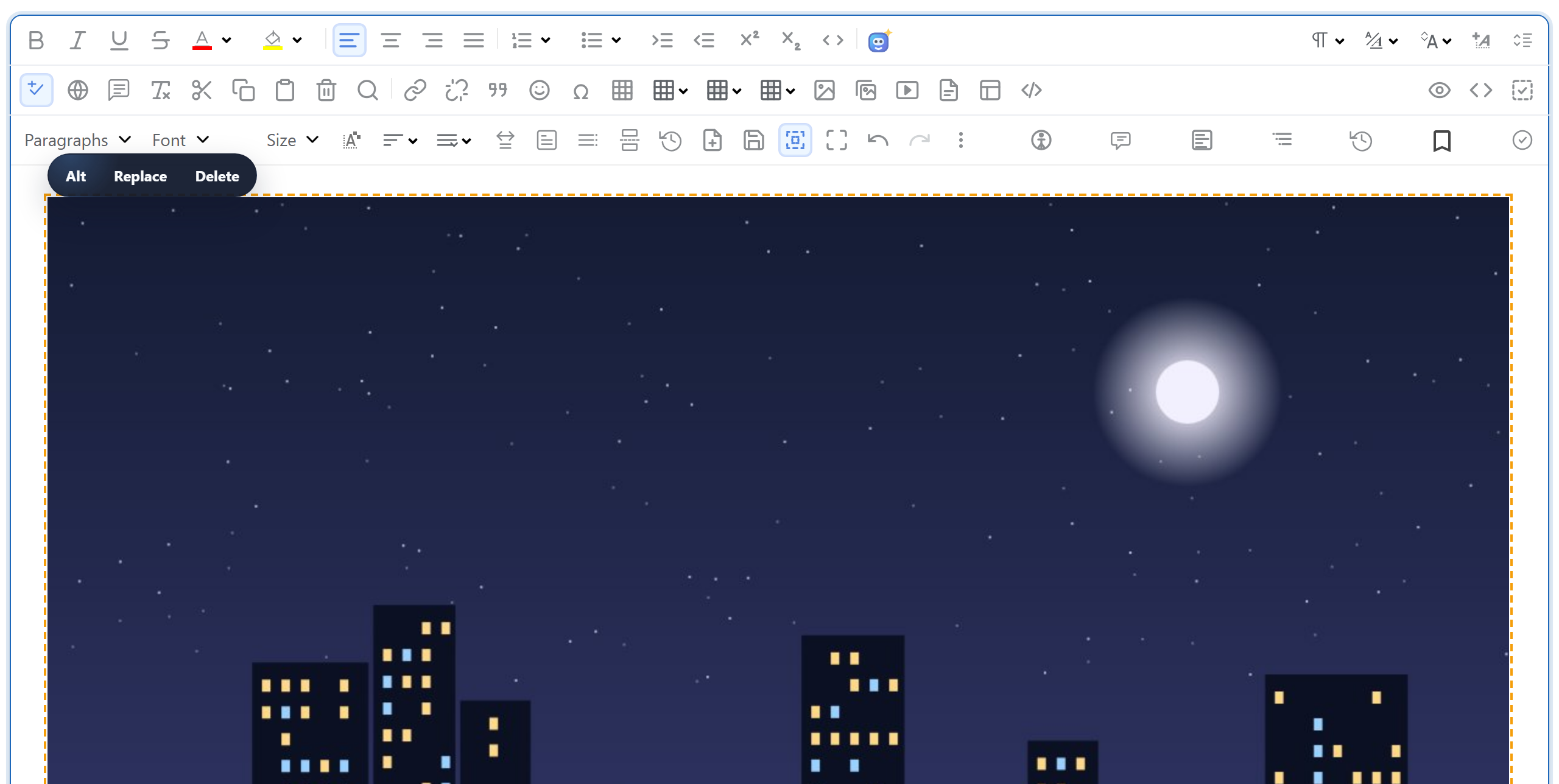
In a Next.js App Router project, RichTextEditor's image uploads need two route handlers: one that receives the file and one that serves it back. You cannot simply write uploads into public/ like a static site would. This page gives both handlers, shows what changes in the Node.js runtime, and explains why the files go to uploads/ instead.
The browser side
The editor hands a dropped, pasted or picked image to window.rte_file_upload_handler. Images uploaded from the gallery dialog go to window.richTextBoxUploadFile, which also gets the open folder. The shared rte-files.js defines both. It posts the file to /rte/upload and passes the returned URL to the editor. The page loads it with the editor scripts (see the gallery guide for the client component) and sets the editor options from a server component:
// The editor and rte-files.js are plain browser scripts, served from public/
// (copied there by scripts/copy-editor.mjs).
const scripts = [
  "/richtexteditor/rte.js",
  "/richtexteditor/plugins/all_plugins.js",
  "/rte-files.js",
];

const config = {
  toolbar: "full",
  galleryEndpoint: "/rte/gallery",
  maxUploadFileSize: 4000000,
};
The upload route handler
// POST /rte/upload  file, folder  -> { url }
import { GalleryError, checkOrigin, errorResponse, readForm, saveImage } from "@/lib/gallery";
import { rootFor } from "@/lib/root-for";

export const runtime = "nodejs"; // the default, written out: this route uses node:fs

export async function POST(request: Request) {
  try {
    checkOrigin(request);
    const form = await readForm(request);
    const file = form.get("file");
    if (!(file instanceof File)) throw new GalleryError(400, "No file was uploaded.");
    const bytes = Buffer.from(await file.arrayBuffer());
    const url = await saveImage(await rootFor(request), form.get("folder") ?? "", file.name, bytes);
    return Response.json({ url });
  } catch (error) {
    return errorResponse(error);
  }
}
A few things in it are specific to Next.js:
- The Node.js runtime. The handler writes with
node:fs, so it must not run in the Edge runtime.nodejsis already the default. The file sets it anyway, so the requirement is written down where the code is. One exception from the Next.js documentation: with Cache Components turned on, remove theruntimeexport,nodejsincluded. formData()gives you a WebFile. There is no multer and no temporary file.file.nameis the name the browser sent, andfile.arrayBuffer()holds the bytes in memory. The name is used only for its extension and a cleaned-up base name. It never becomes a path.readForm()instead ofrequest.formData(). A plainrequest.formData()in a route handler accepted a 50 MB file in our test.readForm()stops at the sample's limit. Image upload size limits in Next.js has the details.checkOrigin()refuses POSTs from other sites, because route handlers do not get the Origin check that Server Actions get. See secure image uploads in Next.js.
The checks and the write live in lib/gallery.ts, which knows nothing about Next.js:
// Checks the name and the bytes, stores the file under a new random name, returns its URL.
export async function saveImage(root: string, folder: unknown, originalName: string, bytes: Buffer) {
  const ext = extensionOf(originalName);
  const matches = Object.hasOwn(SIGNATURES, ext) && SIGNATURES[ext];
  if (!matches) {
    throw new GalleryError(400, "Only .jpg, .jpeg, .png, .gif and .webp images can be uploaded.");
  }
  if (bytes.length > MAX_BYTES) {
    throw new GalleryError(413, TOO_BIG);
  }
  if (!matches(bytes)) {
    throw new GalleryError(400, "The file content is not a valid " + ext.slice(1).toUpperCase() + " image.");
  }

  if (isUsersFolder(root, folder)) throw new GalleryError(404, "Folder not found.");
  const dir = await resolveFolder(root, folder);
  const storedName = baseNameOf(originalName) + "-" + randomBytes(4).toString("hex") + ext;
  const file = path.join(dir, storedName);
  await writeFile(file, bytes, { flag: "wx" }); // "wx" fails instead of overwriting
  return publicUrl(file);
}
The stored name is the cleaned base name plus eight random hex characters. The "wx" flag makes writeFile fail rather than overwrite. The answer is {"url":"/uploads/blog/photo-2cb4607d.jpg"}, and the editor inserts that URL.
Why not public/
Next.js serves public/ as static files, so writing uploads there looks like the obvious move. It does not work after next build. We wrote a file into public/ while next start was running and requested it: 404. A file that was there at build time: 200. So the sample writes to uploads/ next to the project and serves it with a catch-all route handler:
// GET /uploads/<folder>/<file>  -> the stored image. Only image extensions are served,
// with nosniff so the browser never treats one as anything else.
import { readFile } from "node:fs/promises";
import { CONTENT_TYPES, errorResponse, extensionOf, resolveUpload } from "@/lib/gallery";

export const runtime = "nodejs";

export async function GET(request: Request, { params }: { params: Promise<{ path: string[] }> }) {
  try {
    const file = await resolveUpload((await params).path);
    return new Response(await readFile(file), {
      headers: {
        "Content-Type": CONTENT_TYPES[extensionOf(file)],
        "X-Content-Type-Options": "nosniff",
      },
    });
  } catch (error) {
    return errorResponse(error);
  }
}// /uploads/<parts> -> the image file on disk, or a 404 GalleryError.
export async function resolveUpload(parts: string[]): Promise<string> {
const name = parts.at(-1) ?? "";
if (!isImageName(name) || /[\\/\0]/.test(name)) {
throw new GalleryError(404, "Not found.");
}
const dir = await resolveFolder(UPLOADS_DIR, parts.slice(0, -1).join("/")).catch(() => {
throw new GalleryError(404, "Not found.");
});
const file = path.join(dir, name);
const info = await lstat(file).catch(() => null);
if (!info || !info.isFile()) {
throw new GalleryError(404, "Not found.");
}
return file;
}In Next.js 16, params is a Promise, so it is awaited. For [...path] it is an array of already decoded segments: a request for /uploads/My%20Photos/a.jpg arrives as ["My Photos", "a.jpg"]. The route serves only image names and only files whose real path is inside uploads/. It sends them with X-Content-Type-Options: nosniff.
This needs a server with a disk that keeps what you write: next start on your own machine or VM. A serverless host without a persistent disk needs object storage instead of uploads/.
Test it
Download the sample project for this guide. Copy the richtexteditor folder from the editor download to public/richtexteditor, or set RTE_DIR to it. Then run npm install, npm run build and npm start, and from a folder with a photo:
curl -F "file=@photo.jpg" -F "folder=blog" http://localhost:5102/rte/upload
{"url":"/uploads/blog/photo-2cb4607d.jpg"}

curl -I http://localhost:5102/uploads/blog/photo-2cb4607d.jpg
HTTP/1.1 200 OK
content-type: image/jpeg
x-content-type-options: nosniff
Open http://localhost:5102, drop an image into the editor, and it is in the text and in uploads/. node shared/contract-test.mjs http://localhost:5102 runs all 35 checks. They passed with both npm run dev and npm start.
The same guide for other platforms
JavaScript · PHP · ASP.NET Core · Razor Pages · Blazor · MVC 5 · Web Forms