ASP.NET Web Forms のギャラリーフォルダー:安全に閲覧・作成する
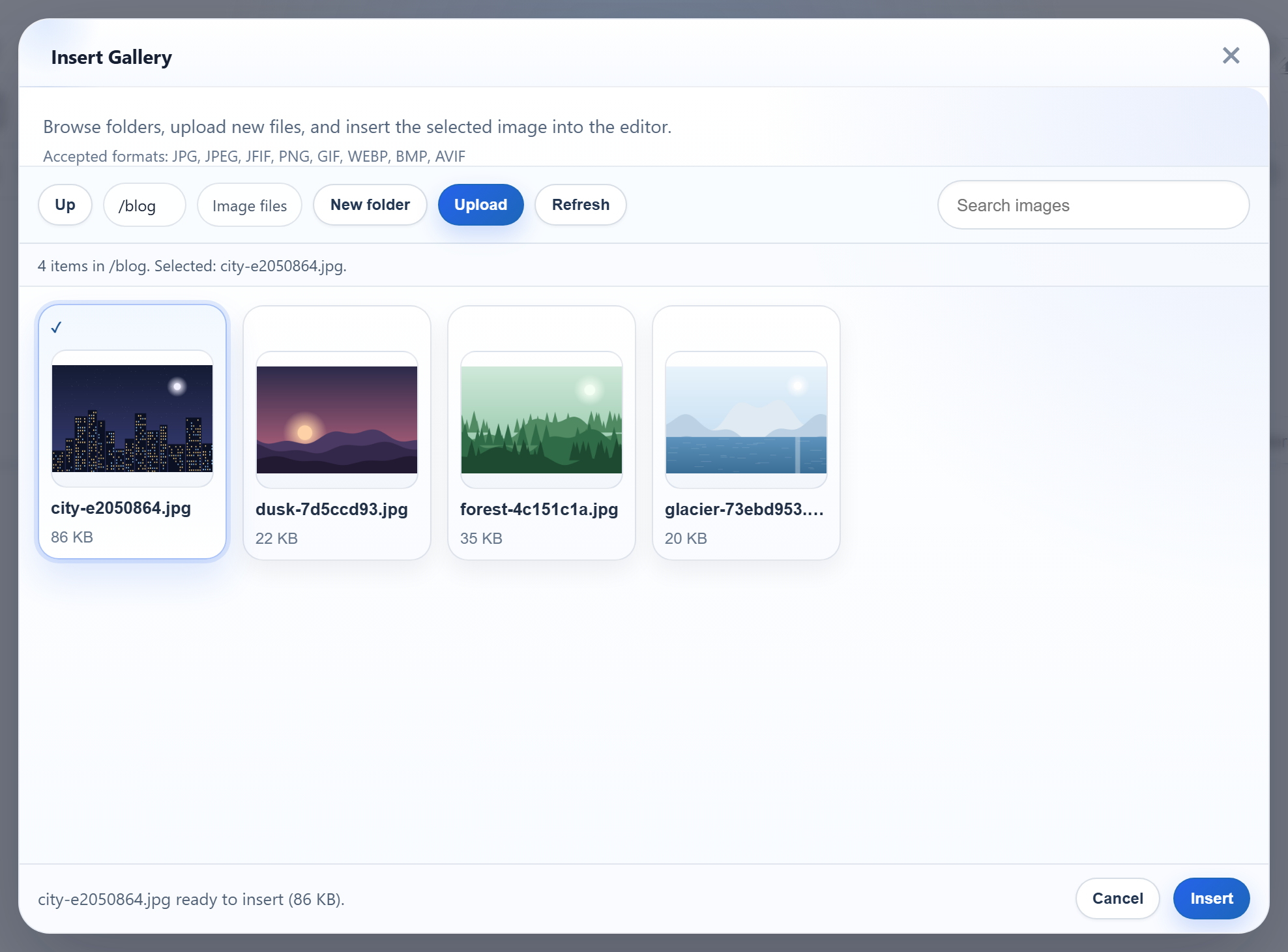
ギャラリーダイアログには New folder ボタンがあり、名前でフォルダーを開きます。どちらもブラウザーからサーバーにフォルダー名を送信し、Windows と IIS にはそれぞれ、どの名前が使えるかについてのルールがあります。名前によっては、問題なく作成できても、画像を配信することが決してできません。このページでは、Web Forms のサンプルが blog/2026 のような仮想フォルダーを uploads/ 内のパスに変換する方法と、Windows で拒否する名前を紹介します。
フォルダーの作成
ダイアログは、action=create-folder、folder(親フォルダー)、name を /rte/gallery に POST します。これを処理するのは、一覧を返すのと同じ IHttpHandler の POST の分岐で、値は Request.Unvalidated.Form から読み取ります(ギャラリーのハンドラーを参照してください)。検証済みの Request.Form では、<b>x のような名前は要求の検証によって HTML の 500 になりました。検証なしで読み取れば、ダイアログが扱える JSON の 400 が返ります。
public static void CreateFolder(HttpContext context, string parentFolder, string name)
{
    StorageRoot root = GetRoot(context);
    string parentDir = ResolveFolder(root, parentFolder ?? "");
    string problem = NameProblem(name);
    if (problem != null)
        throw new RteException(400, problem);

    string target = Path.Combine(parentDir, name);
    if (Directory.Exists(target) || File.Exists(target))
        throw new RteException(409, "A folder named \"" + name + "\" already exists.");
    Directory.CreateDirectory(target);
}
成功した場合のレスポンスは親フォルダーの一覧なので、新しいフォルダーはすぐに表示されます。既存の名前は 409 になります。NTFS は大文字と小文字を区別しないため、blog の隣の Blog も 409 になります。
仮想フォルダーからディスク上のパスへ
// Turns a virtual folder ("", "products", "products/2026") into a directory inside the
// root. Every segment must be a valid folder name, which already rules out "..", ".",
// empty segments, "\", ":", drive letters, NUL and leading "/". The resolved path is
// then checked against the root anyway, so a mistake in the rules cannot escape it.
static string ResolveFolder(StorageRoot root, string folder)
{
    if (folder.Length > 0)
    {
        foreach (string segment in folder.Split('/'))
        {
            if (!IsValidName(segment))
                throw new RteException(400, "Invalid folder.");
        }
    }

    string full = Path.GetFullPath(Path.Combine(root.Dir, folder.Replace('/', '\\')));
    if (!(full.TrimEnd('\\') + "\\").StartsWith(root.Dir, StringComparison.OrdinalIgnoreCase))
        throw new RteException(400, "Invalid folder.");
    if (!Directory.Exists(full))
        throw new RteException(404, "Folder not found.");
    return full;
}仮想フォルダーが入力されたままの形でファイルシステムに届くことはありません。/ で区切った各部分は、まずフォルダー名のルールを通過しなければなりません。これらのルールだけで、..、.、空の部分、\、:、ドライブ文字、NUL が排除されます。その後、Path.GetFullPath の結果を Server.MapPath から得たルートと比較するので、ルールに抜けがあってもルートの外に出ることはできません。Windows のパスは大文字と小文字を区別しないため、比較には OrdinalIgnoreCase を使います。契約テストでは、..、../..、%2e%2e、C:\Windows、/etc、a/../../x がすべて 400 になりました。
Windows と IIS が特別に扱う名前
// 1-64 chars of letters, digits, space, '-', '_', '.'; not starting with '.'.
// Windows extras: no trailing '.' or space (Windows silently drops them, so "a." would
// be the same folder as "a"), and no reserved device or IIS-hidden names.
public static bool IsValidName(string name)
{
    return NameProblem(name) == null;
}

static string NameProblem(string name)
{
    const string rule = "Folder names are 1-64 letters, digits, spaces, '-', '_' or '.', and cannot start with '.'.";
    if (string.IsNullOrEmpty(name) || name.Length > 64 || name[0] == '.')
        return rule;
    foreach (char c in name)
    {
        if (!char.IsLetterOrDigit(c) && c != ' ' && c != '-' && c != '_' && c != '.')
            return rule;
    }
    char last = name[name.Length - 1];
    if (last == '.' || last == ' ')
        return "Folder names cannot end with '.' or a space.";
    string lower = name.ToLowerInvariant();
    string stem = lower.Split('.')[0].Trim();
    if (Array.IndexOf(BlockedNames, lower) >= 0 || Array.IndexOf(BlockedNames, stem) >= 0)
        return "\"" + name + "\" is a reserved name on Windows or IIS.";
    return null;
}基本のルール(英字、数字、スペース、-、_、. を 1~64 文字、. で始めない)に加えて、テストの結果、Windows と IIS に関する 3 つのルールを追加しました。
- 末尾にドットやスペースを置かない。Microsoft のファイル名の規則では、Windows API がこれらを削除するため、名前の末尾にどちらも置いてはならないとされています。
2026.として作成したフォルダーはディスク上では2026になり、一方でダイアログは2026.を要求し続けます。 - デバイス名を使わない。
con、nul、com1などです。aux.txtのように拡張子の付いた名前も含みます。Windows はこれもデバイスとして扱うからです。 - IIS の非表示のセグメントを使わない。IIS の要求フィルタリングは、
bin、App_Data、App_Code、web.configなどの名前のセグメントを含む URL を、階層の深さにかかわらずすべて拒否します。uploads/bin/とuploads/App_Data/に画像を置いたところ、ファイルは存在するのに、どちらの URL も 404.8 になりました。つまり、binという名前のギャラリーフォルダーでは、一覧に表示されても読み込まれない画像になってしまいます。サンプルは、"bin" is a reserved name on Windows or IIS.というメッセージでこれらの名前を拒否します。
Unicode の文字は使用できます。Fotos Ünïcode 2026 を作成してそこにアップロードしたところ、画像の URL は /uploads/Fotos%20%C3%9Cn%C3%AFcode%202026/ein-bild-….png になり、IIS はそれを配信しました。
テストする
このガイドのサンプルプロジェクトをポート 5401 で実行した状態で、ダイアログで最上位に blog フォルダーを作成してから、以下を実行します。
curl -F action=create-folder -F folder=blog -F name=2026 http://localhost:5401/rte/gallery
{"currentFolder":"blog","currentFolderDisplay":"/blog","parentFolder":"","folders":[{"folder":"blog/2026","name":"2026"}],"images":[...]}

curl -F action=create-folder -F folder= -F name=bin http://localhost:5401/rte/gallery
{"error":"\"bin\" is a reserved name on Windows or IIS."}
1 つ目は HTTP 200 で、親フォルダーの一覧に新しいフォルダーが含まれます。もう一度送信すると 409 になります。2 つ目は HTTP 400 です。ブラウザーでダイアログの blog を開くと、パスに /blog と表示され、Up でルートに戻ります。
ほかのプラットフォーム向けの同じガイド
JavaScript · PHP · ASP.NET Core · MVC 5